Set up
MiniFreak
- Register your MiniFreak to unlock your included MiniFreak V licence.
Got a MiniFreak? Registering it unlocks its extra features in MiniFreak V.
Included with your MiniFreak is an identical VST counterpart, bringing the same wild hybrid sound, complete with modeled analog filters. You can fire it up in your DAW, use the same presets physically or virtually, sync the VST with MiniFreak’s controls, and access firmware updates.
Already have MiniFreak V installed?
You can skip step 2 and go straight to step 3. - Download & install MiniFreak V.
This also installs Arturia Software Center, where you’ll manage your licences and updates. Learn more
- Connect your MiniFreak with USB, turn it on, and open MiniFreak V, making sure you’re online. If you don’t have the latest firmware, you’ll see instructions on how to update.
Learn more
with our MiniFreak tutorials
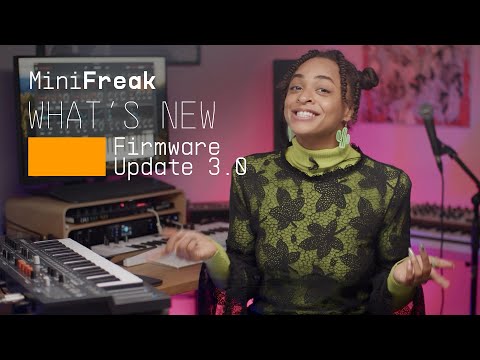
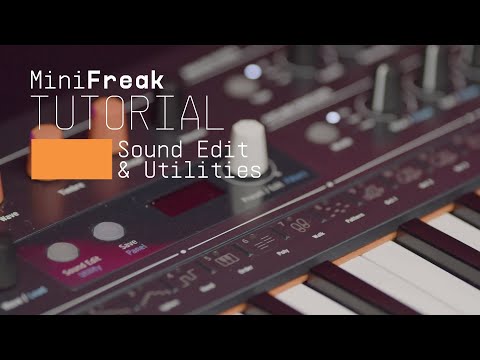
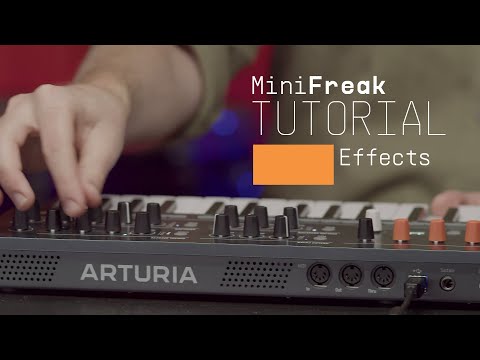
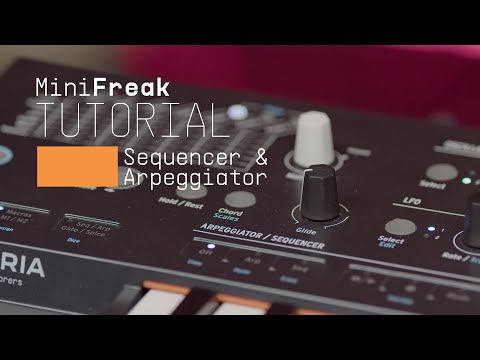
Start your creative journey with confidence. Explore essential features, tips and tricks on how to design your own sounds, other music production hacks and much more.
Tutorials playlist
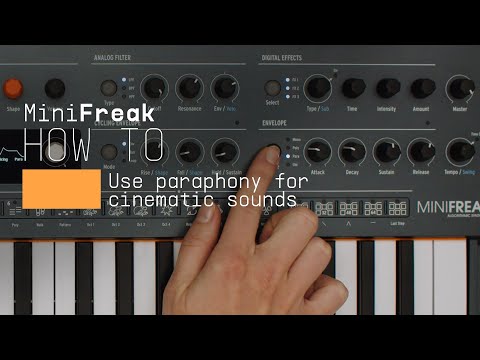
How To | Use paraphony for cinematic sounds
MiniFreak & MiniFreak V's voices can be extended to 12 with paraphony, letting you produce powerful, dense sounds. In this video, Lena shows you how to set yours up for truly cinematic musical soundscapes using more voices.
Find more information
with our manuals
To learn even more, you can find the manuals on MiniFreak's Resources page: