
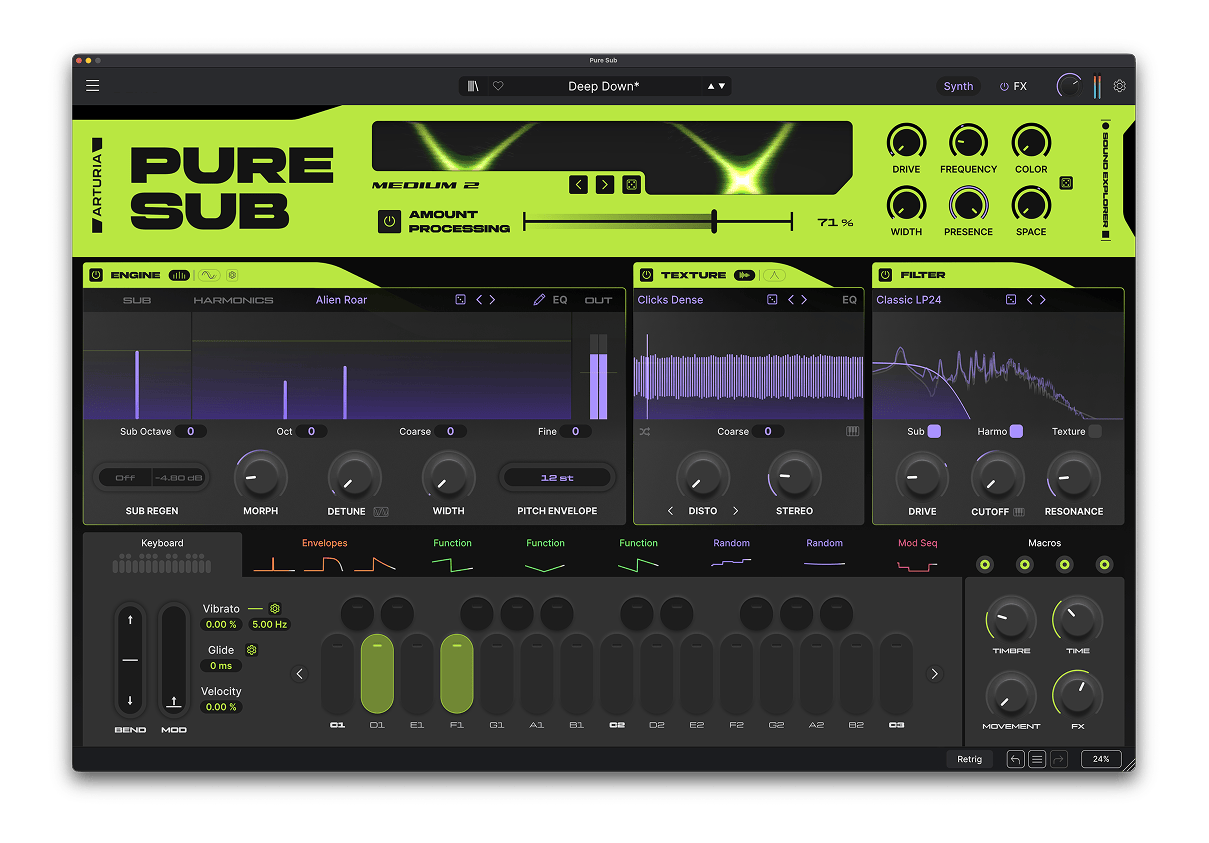
Pure SUB
Bass Design-Synthesizer
1. Lade und installiere das Arturia Software Center (ASC)
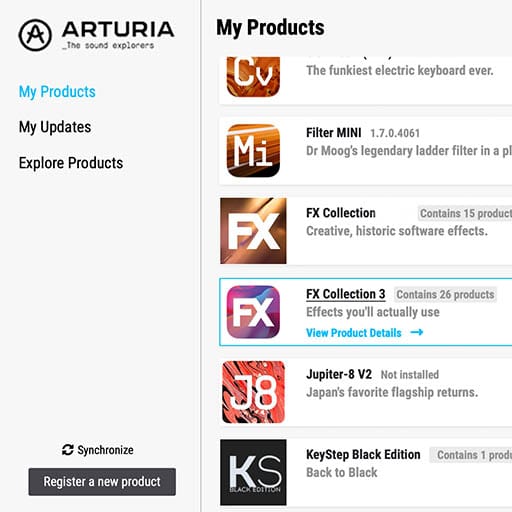
Mit dem Arturia Software Center (ASC) kannst du deine virtuellen Arturia-Instrumente auf deinen Computern installieren, aktivieren und auch aktualisieren.
Hier kannst du auf deine Arturia-Software zugreifen, sowie Demo-Versionen für andere Software-Produkte aus unserem Arturia-Katalog laden.
2. Log dich in das Arturia Software Center ein
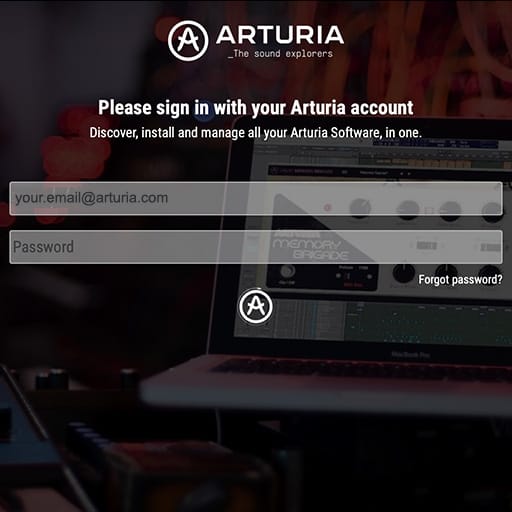
Gib die gleiche E-Mail-Adresse und das gleiche Passwort wie für dein Mein Arturia-Konto ein. Du findest dann deine Produktlizenz im Hauptfenster.
Wenn du noch kein Arturia-Konto hast, klick auf "Create Account" und folge den Anweisungen, um ein neues Konto anzulegen.
Wenn du einen Computer ohne Internetverbindung verwendest, befolge bitte das in diesem dieser Artikel beschriebene Verfahren.
Wenn du deine Software-Lizenz auf der Arturia-Website erworben hast, wurde diese automatisch in deinem Konto registriert. Klick ansonsten oben im Hauptfenster auf die Schaltfläche “Register a new product”.
3. Installiere und aktiviere dein Produkt im ASC
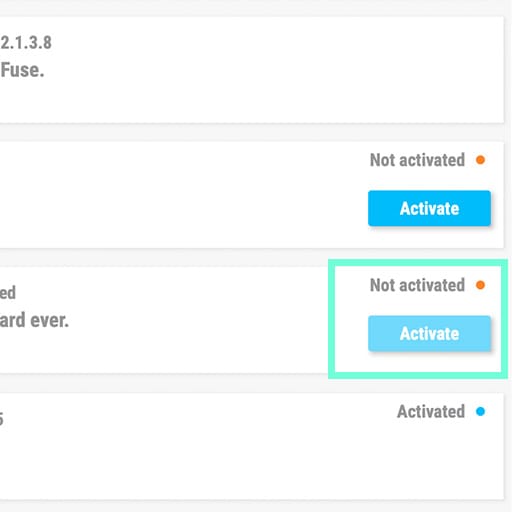
Such in der Liste nach deinem Produkt und klick auf die Schaltfläche „Install“, um den Installationsprozess zu starten.
Beim ersten Mal wirst du aufgefordert, die Zielordner zu definieren.
Dein Produkt bleibt im Demo-Modus, bis es aktiviert wird. Klick dazu auf die Schaltfläche "Aktivieren". Dein brandneuer Effekt wird dann aktiviert.
Du kannst die Software jetzt ohne Einschränkung auf bis zu fünf verschiedenen Computern gleichzeitig verwenden. Wiederhole dazu diesen Vorgang auf deinen anderen Computern.
4. Starte dein Produkt
Dein Produkt ist nicht als Standalone-Software verfügbar.
Die Verwendung setzt eine DAW (Digital Audio Workstation) voraus.
Klicke auf die schaltflächen, um zu erfahren, wie du deinen neuen Effekt in den gängigsten DAWs auswählst und einsetzt:
Entdecken. Experimentieren. Genießen.

Ableton Live

Bitwig

Cubase

FL Studio
Logic Pro X
Pro Tools

Studio One
Digital Performer
Für Ableton Live
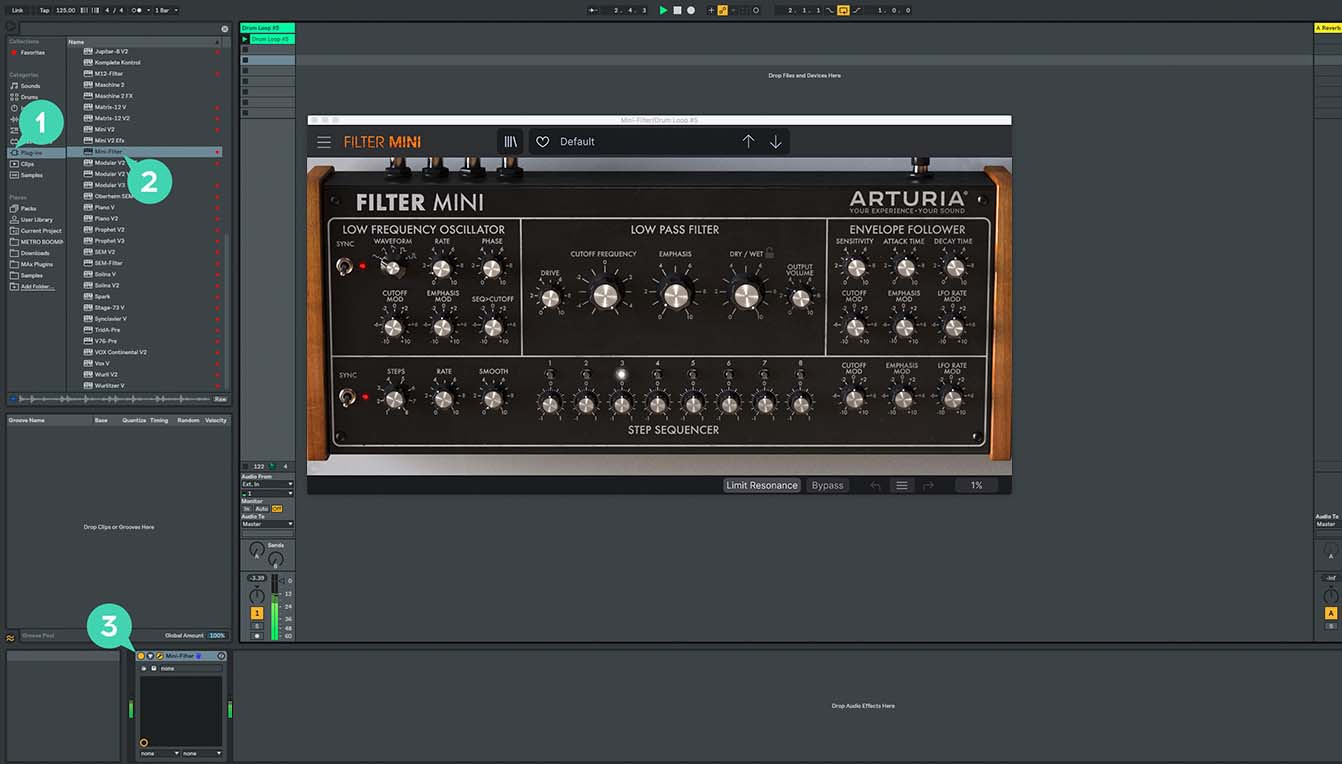
1/ Öffne den Live-Browser und klicke auf den „Plug-Ins“-Bereich.
2/ Such im VST- oder Audio Unit*-Ordner nach dem virtuellen Effekt deiner Wahl.
3/ Ziehe diesen per Drag & Drop in deinen Track oder Effekt-Returnkanal.
Pure SUB
Tutorials
Tutorials | Pure SUB | Overview
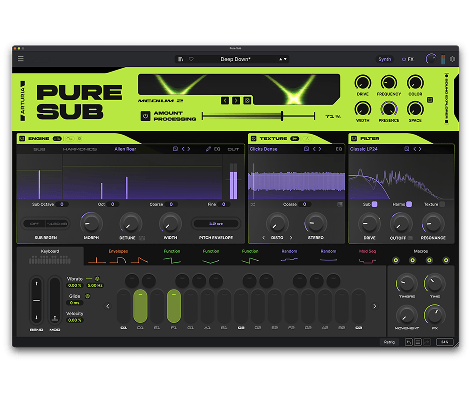
Join Joe Sheldrick for a walkthrough of Pure SUB, exploring its dedicated sound-design stages, bass-focused processing and intuitive modulation workflow. Discover how 300 presets, the 33-mode SUB Processor and a 12-slot FX Rack take you from clean foundations to deep, hard-hitting and evolving bass.
Pure SUB
So gehts
Tutorials | Pure SUB | How to Make a Wide Reese Bass
Joe explores Pure SUB’s dedicated Reese engine to create a wide, aggressive bass from its Unisaw waveform. Detune, Morph modulation and moving phaser notches generate beating, swirling movement before EQ and compression bring the spectrum under control.
Tutorials | Pure SUB | How to Make a Classic House Bass
Follow Joe as he builds a classic house bass by combining a solid sub foundation with the House Starter waveform and focused low-pass filtering. See how subtle SUB Processor drive, multiband compression and EQ add punch, presence and control without compromising the low end.
Tutorials | Pure SUB | How to Make a Heavy Dubstep Wobble
Joe constructs a heavy dubstep wobble from a clean sub foundation, using key-tracked Functions to animate harmonic Morph and filter Drive. Explore how white-noise texture, Rage Diode filtering, Smooth Clip distortion and multiband compression create raw, aggressive movement.
Tutorials | Pure SUB | How to Make a Punchy 808 Bass
See how Joe transforms a clean sub foundation into a modern, punchy 808 using layered pitch transients, subtle harmonics and Corrosion noise. Filter drive, SUB Processor character and tape saturation preserve its physical weight while helping the sound translate across different playback systems.
Tutorials | Pure SUB | How to Make an Evolving DnB Bass
In this walkthrough, Joe creates a deep DnB bass that gradually evolves while maintaining a stable low-end foundation. Amp, Pitch and Mod envelopes combine with Function modulation, filter drive and subtle delay to introduce harmonic movement and controlled atmospheric depth.
Du benötigst weitere Hilfe?
Unser Support-Team hilft dir gerne weiter bei Fragen zum Einsatz von Arturia-Instrumenten. Du kannst uns über diese Seite kontaktieren:
Nach Hilfe fragen