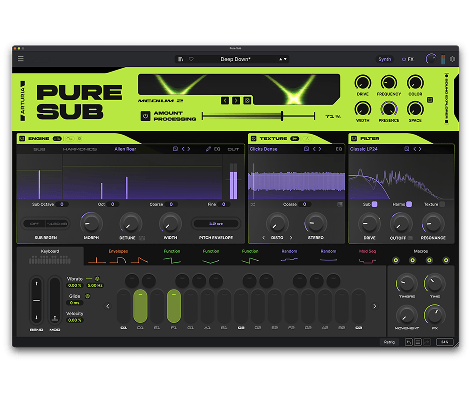
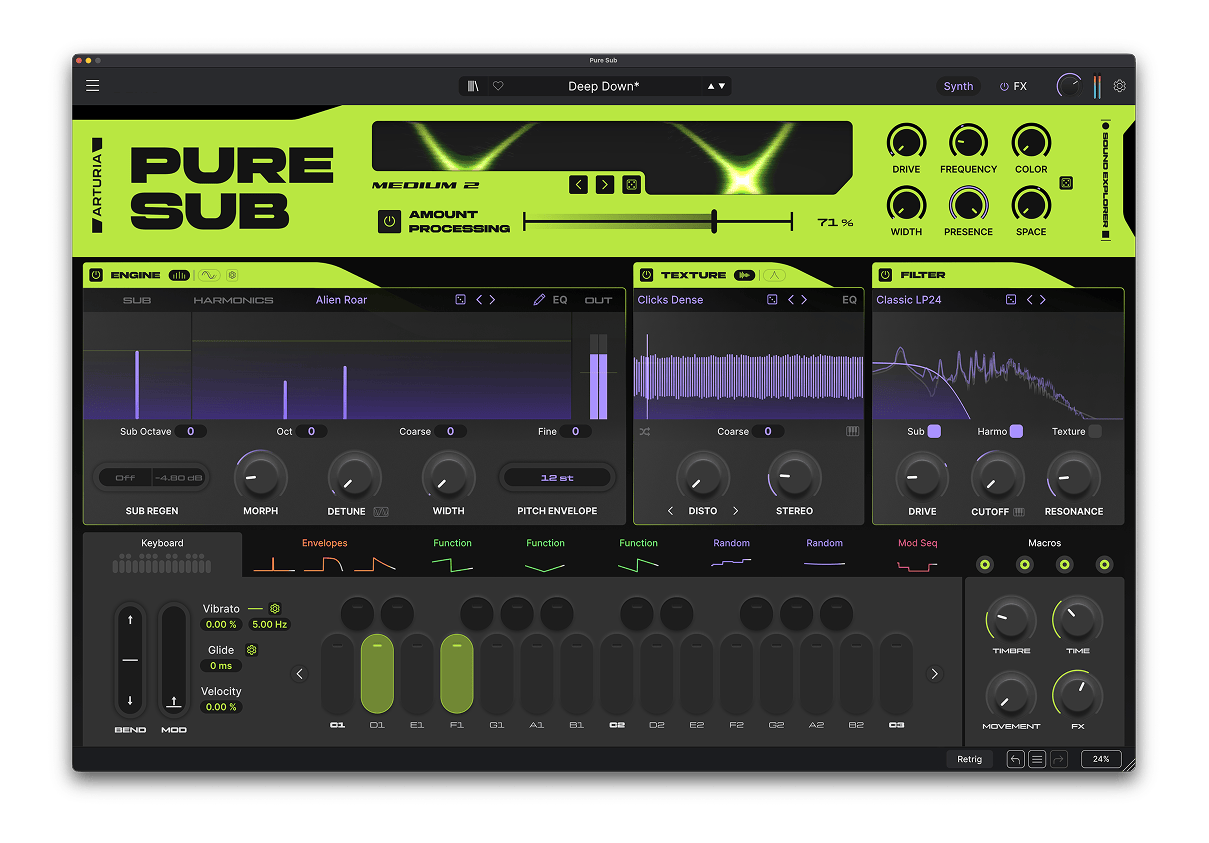
Pure SUB
ベースデザイン・シンセサイザー
1. Arturia Software Center(ASC)をダウンロードしてインストールします
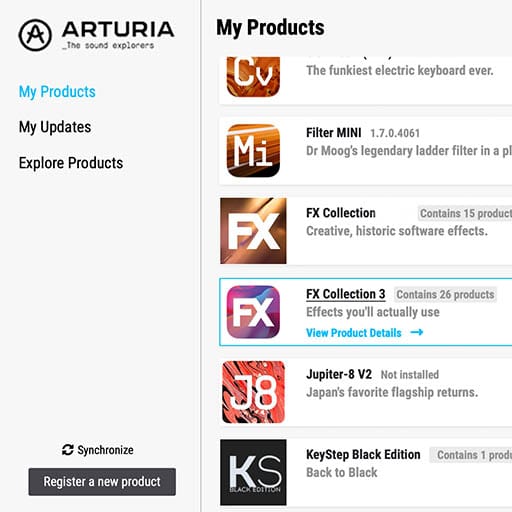
Arturia Software Center (ASC) では、Arturiaバーチャル・インストゥルメントのアクティベーション、インストール、アップデートをコンピュータ上で行うことができます。
Arturiaの他のソフトウェアのデモ版だけでなく、お持ちのソフトウェアにもアクセスできます。
2. Arturia Software Centerにログインします。
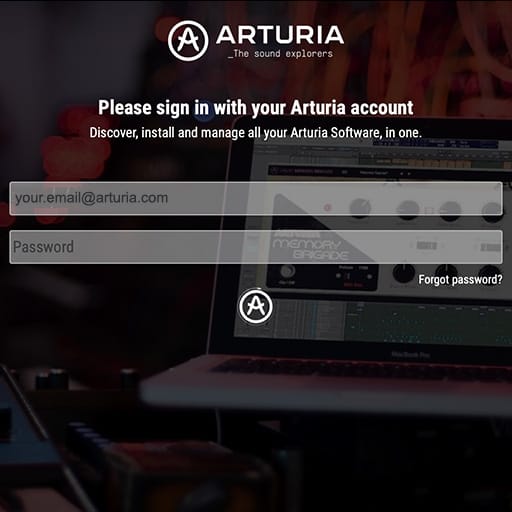
My Arturiaアカウントと同じメールアドレスとパスワードを入力します。その後、製品ライセンスがメインパネルに表示されます。
My Arturiaアカウントをお持ちでない場合は、「Create Account」(アカウント作成) をクリックし、表示される手順に従ってアカウントを作成してください。
オフラインのコンピュータをお使いの場合は、以下に記載の手順で行えます:オフラインの場合
Arturiaのウェブサイト上でソフトウェアのライセンスをご購入された場合、自動的にアカウントが登録されます。もしまだウェブサイト上での購入をされていない場合は、メイン画面の上部にある「Register a new product」(新しく購入した製品を登録する) ボタンをクリックしてください。
3. ASCで製品をインストールし、アクティベートします。
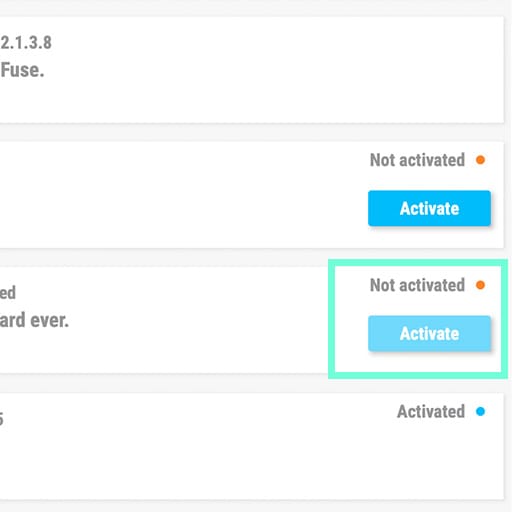
リストの中からお使いの製品を探し、「Install」(インストール) ボタンをクリックすると、サイレント・インストールが始まります。
初回は保存先フォルダを設定するよう求められます。
アクティベートされるまでは、製品はデモモードのままです。「Activate」ボタンをクリックしてください。これで新しいエフェクトがアクティベートされます。
これで、最大5台のコンピュータまで同時に使用できるようになります。他のコンピュータでも同様の操作を繰り返してください。
4. お持ちの製品を公開する
本製品はスタンドアローンではご使用いただけません。
本製品の使用には、DAW(デジタル・オーディオ・ワークステーション)が必要です。
各アイコンをクリックすると、主要なDAWでのエフェクトの読み込み方法や使い方をご覧いただけます:
探求し、実験し、存分に楽しむ。

Ableton Live

Bitwig

Cubase

FL Studio
Logic Pro X
Pro Tools

Studio One
Digital Performer
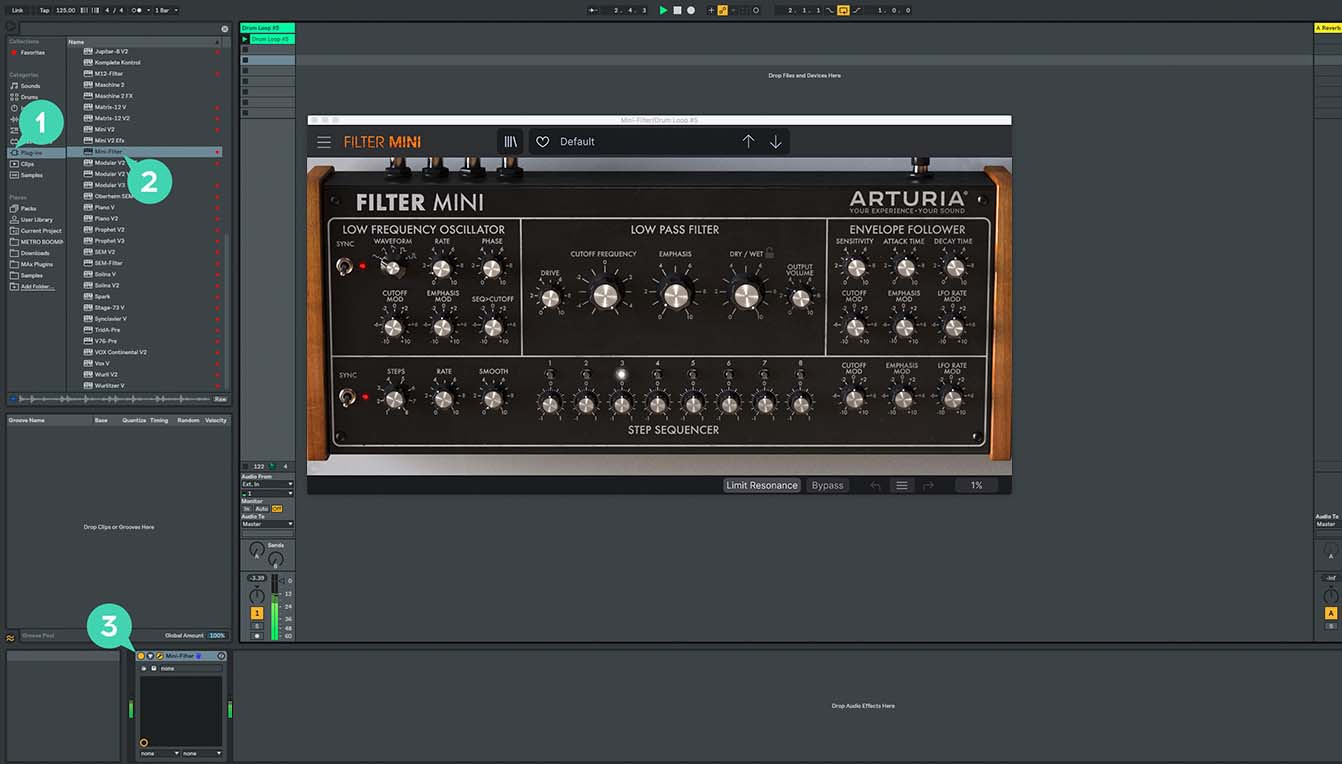
Ableton Liveの場合
1/ Liveのブラウザを開き、「Plug-ins」セクションをクリックします。
2/ VSTまたはAudio Unit*フォルダから、使用したいエフェクトを選択します。
3/ 選択したエフェクトをトラックまたはエフェクトリターンにドラッグ&ドロップします。
Pure SUB
チュートリアル
チュートリアル | Pure SUB | Overview
Join Joe Sheldrick for a walkthrough of Pure SUB, exploring its dedicated sound-design stages, bass-focused processing and intuitive modulation workflow. Discover how 300 presets, the 33-mode SUB Processor and a 12-slot FX Rack take you from clean foundations to deep, hard-hitting and evolving bass.
Pure SUB
ハウトゥ
チュートリアル | Pure SUB | How to Make a Wide Reese Bass
Joe explores Pure SUB’s dedicated Reese engine to create a wide, aggressive bass from its Unisaw waveform. Detune, Morph modulation and moving phaser notches generate beating, swirling movement before EQ and compression bring the spectrum under control.
チュートリアル | Pure SUB | How to Make a Classic House Bass
Follow Joe as he builds a classic house bass by combining a solid sub foundation with the House Starter waveform and focused low-pass filtering. See how subtle SUB Processor drive, multiband compression and EQ add punch, presence and control without compromising the low end.
チュートリアル | Pure SUB | How to Make a Heavy Dubstep Wobble
Joe constructs a heavy dubstep wobble from a clean sub foundation, using key-tracked Functions to animate harmonic Morph and filter Drive. Explore how white-noise texture, Rage Diode filtering, Smooth Clip distortion and multiband compression create raw, aggressive movement.
チュートリアル | Pure SUB | How to Make a Punchy 808 Bass
See how Joe transforms a clean sub foundation into a modern, punchy 808 using layered pitch transients, subtle harmonics and Corrosion noise. Filter drive, SUB Processor character and tape saturation preserve its physical weight while helping the sound translate across different playback systems.
チュートリアル | Pure SUB | How to Make an Evolving DnB Bass
In this walkthrough, Joe creates a deep DnB bass that gradually evolves while maintaining a stable low-end foundation. Amp, Pitch and Mod envelopes combine with Function modulation, filter drive and subtle delay to introduce harmonic movement and controlled atmospheric depth.